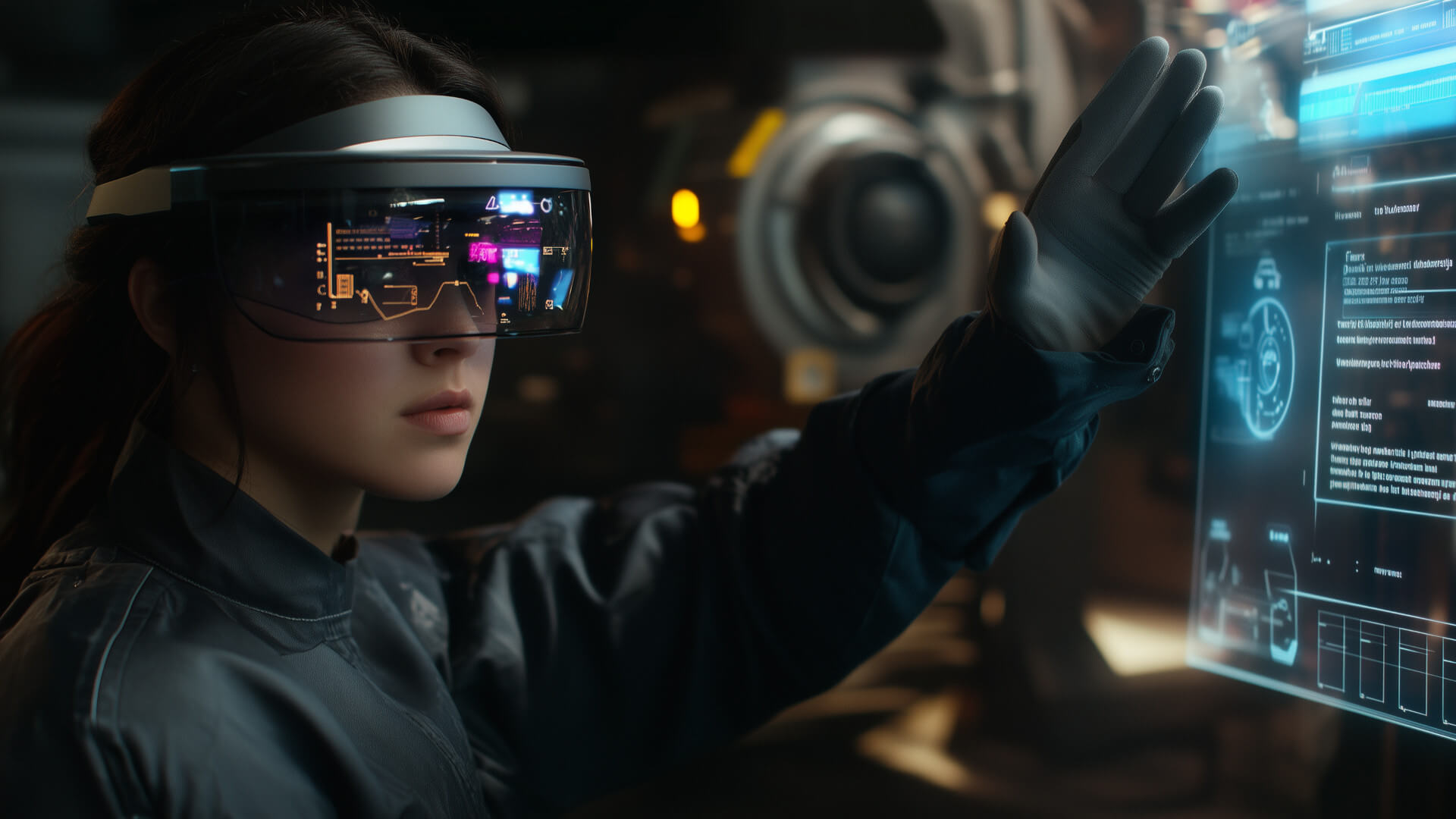
Augmented reality (AR) is rapidly evolving from a novelty into a fundamental interface for digital interaction. With mixed reality (MR) experiences integrating seamlessly into the physical world, the role of information architecture (IA) must adapt. Designing persistent, layered spatial user interfaces (UI) is no longer a futuristic concept—it is a necessity for the next generation of computing.
The Shift from 2D to Spatial UI
Traditionally, information architecture has been confined to flat screens, where hierarchy, navigation, and user flow are dictated by the limitations of a rectangular interface. In mixed reality, information is no longer bound to screens but instead exists dynamically within the user’s environment. This shift presents unique challenges and opportunities:
- Persistence and Contextual Awareness: AR interfaces must remain intuitive across different spaces while adapting to real-world conditions.
- Layered Information Delivery: Unlike traditional UI, AR can present multiple layers of content, allowing users to engage at varying depths of interaction.
- Spatial Navigation and Recall: Users must be able to navigate AR content effortlessly without feeling overwhelmed or lost in virtual clutter.
Principles of AR-Based Information Architecture
1. Spatial Anchoring and Persistence
A fundamental element of AR UI is spatial anchoring—ensuring that virtual elements remain persistently mapped to physical locations. This enables users to interact with AR objects naturally over time, creating a sense of continuity.
Technologies such as World Locking (Microsoft HoloLens) and ARKit’s Persistent Anchors (Apple) allow digital content to remain fixed within a space, providing a reliable foundation for immersive experiences.
2. Layered UI for Adaptive Interaction
Instead of overwhelming users with excessive on-screen data, AR benefits from a layered approach:
- Foreground Layer: Immediate, interactive elements, such as buttons, controls, or live annotations.
- Midground Layer: Secondary information, including contextual overlays, additional tooltips, and guidance indicators.
- Background Layer: Passive elements like environmental markers, spatial guides, and persistent references.
By layering content effectively, designers can ensure clarity and reduce cognitive overload.
3. Gesture and Gaze Navigation
Unlike traditional interfaces that rely on touch and click-based interactions, AR navigation is primarily driven by gaze, gestures, and spatial positioning. Effective IA must take into account:
- Gaze-Activated UI: Where looking at an object triggers contextual menus or further interactions.
- Hand Tracking and Gestures: Allowing users to manipulate objects intuitively without additional hardware.
- Voice Commands: Enabling hands-free control for accessibility and efficiency.
4. Adaptive Context and User Flow
AR interfaces should adapt dynamically based on user context. This includes:
- Proximity-Based Interactions: Content appears or expands as users move closer.
- Task-Based UI Evolution: Interfaces that change based on user progress in a workflow.
- Environmental Awareness: Adjusting contrast, visibility, and responsiveness according to lighting and spatial conditions.
Real-World Applications
1. Industrial and Enterprise Use Cases
- AR-Assisted Maintenance: Persistent overlays guide engineers through complex machinery repairs.
- Logistics and Warehousing: Spatial UI helps workers navigate large inventory systems efficiently.
2. Retail and E-Commerce
- Virtual Try-Ons: Layered AR allows customers to see how clothes, accessories, or furniture fit in their environment.
- In-Store Navigation: AR maps enhance customer experience by providing real-time wayfinding inside large stores.
3. Education and Training
- Medical Training: AR layers enable interactive anatomy lessons with persistent 3D models.
- Historical Reconstructions: Museums leverage AR for immersive, time-travel-like experiences.
The Future of AR-Based Information Architecture
As AR hardware and software continue to advance, the importance of well-structured spatial UI will only increase. Future developments may include:
- AI-Driven Personalisation: AR interfaces adapting in real time based on user behaviour and preferences.
- Haptic Feedback Integration: Combining touch sensations with spatial content for deeper immersion.
- Cross-Device Synchronisation: Persistent UI across AR glasses, smartphones, and other smart devices.
Final Thoughts
Designing effective AR-based information architecture requires a departure from traditional UI principles. By embracing spatial persistence, layered content delivery, and intuitive interaction models, we can build AR experiences that are both functional and immersive. The next generation of mixed reality isn’t just about placing digital objects in space—it’s about making those objects meaningful, interactive, and seamlessly integrated into our daily lives.